Free AI Wedding Video Generator
Turn a wedding photo into a cinematic short clip with sound. Try it free.
Make your wedding video — freeFirst effect freeAbout 1–2 min
Make one about you

Hug your younger self
A child version of you walks in. You hug. Everyone cries.
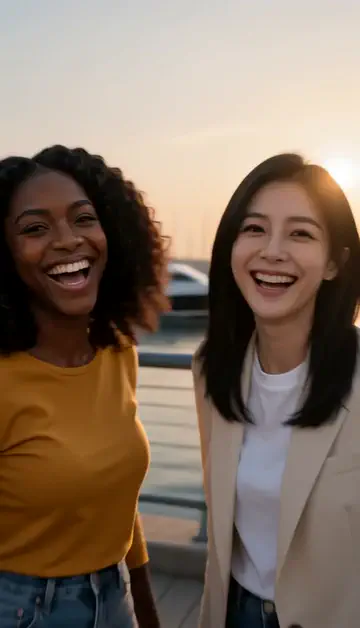
Best friends reunion
You spot each other across the marina. High five.

Arrive over Dubai
Rooftop at sunset, Burj Khalifa behind you, drone pulling back.
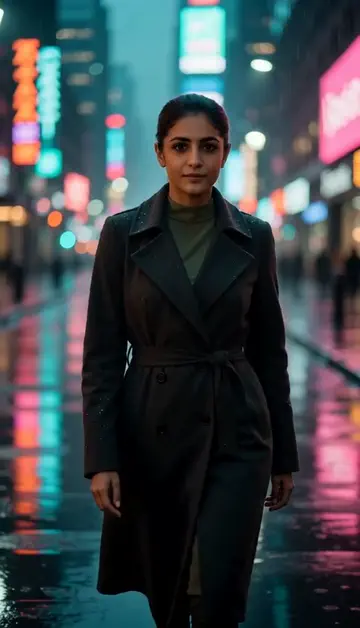
Neon night walk
Rain-soaked street, neon reflections, slow motion.
Try one of these descriptions
Cinematic shot of a wedding couple walking down a sandy aisle at golden hour, soft warm lighting, palm trees, white florals, ocean waves in the background, 4K, romantic mood.
Use this description
Bride and groom dancing slowly under glowing string lights in a rustic barn, soft focus background, dreamy bokeh, intimate atmosphere, cinematic 4K.
Use this description
Slow-motion close-up of champagne glasses clinking at a wedding reception, golden bubbles, soft candlelight, blurred guests cheering in background, luxury aesthetic.
Use this description
Newlyweds running through a tunnel of cheering guests throwing white confetti and flower petals, evening light, candid joyful expressions, cinematic.
Use this description
Elegant outdoor wedding ceremony on a Dubai marina rooftop at sunset, modern skyline backdrop, white florals, luxury aesthetic, cinematic drone shot.
Use this description
Bride and groom waving from the back of a vintage white convertible decorated with flowers and "Just Married" sign, driving away on a tree-lined road, sunset light.
Use this description
Cinematic quality
Smooth camera moves and considered color in every shot
Audio included
Sound that matches your scene — or turn it off
Join clips into a film
Continue a shot from its last frame and join the clips into one film
Photo-to-video
Upload an engagement photo, get a moving cinematic clip
Common questions
Is the first video really free?
How long can the videos be?
Can I use a real wedding photo?
Will it work for non-Western weddings?
Do I need an account to try it?
Can I use a photo of my face?
How long does a clip take?
Can I use my clips commercially?
No subscription. Credits never expire.