Free AI Christmas Video Generator
Festive holiday clips with sound — for greeting cards, brand campaigns, or family WhatsApp groups.
Make a holiday video — freeFirst effect freeAbout 1–2 min
Make one about you

Hug your younger self
A child version of you walks in. You hug. Everyone cries.

Best friends reunion
You spot each other across the marina. High five.
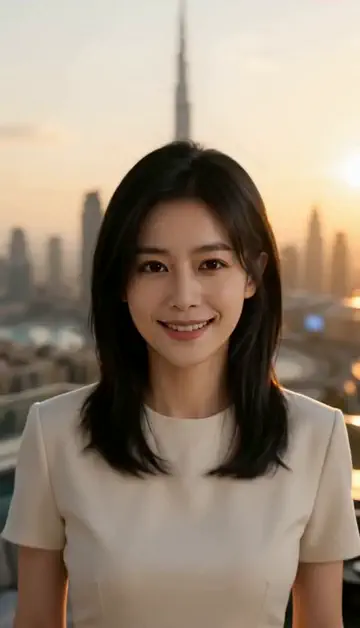
Arrive over Dubai
Rooftop at sunset, Burj Khalifa behind you, drone pulling back.
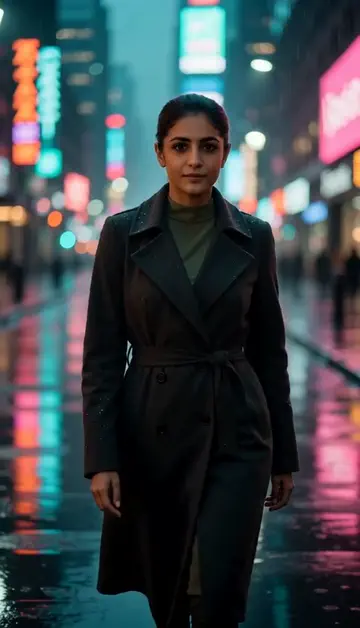
Neon night walk
Rain-soaked street, neon reflections, slow motion.
Try one of these descriptions
Gentle snowflakes falling on a beautifully decorated Christmas tree with glowing warm lights, ornaments, presents underneath, cozy winter evening atmosphere.
Use this description
Warm crackling fireplace with hung Christmas stockings, glowing fire, soft Christmas decor, cozy living room ambiance, peaceful holiday mood.
Use this description
Family lighting a Christmas tree in slow-motion — bulbs glowing on one by one, joyful expressions, warm room lighting, magical reveal moment.
Use this description
Close-up of hands unwrapping a beautifully wrapped Christmas gift with red ribbon, golden bow falling away, slow tearing of paper, surprise emotional reveal.
Use this description
Top-down view of a holiday dinner table — roasted turkey, candles, wine, family settings, warm rich lighting, traditional Christmas feast.
Use this description
Horse-drawn sleigh gliding through a snowy forest, golden lantern light, gently falling snow, magical Christmas storybook atmosphere, cinematic.
Use this description
Season-ready
Christmas, New Year, Eid, Diwali — all major holidays covered by prompt
Personalized greetings
Make holiday cards for clients, team, or family in minutes
Brand campaigns
E-commerce holiday ads without booking a winter shoot
Send to WhatsApp
Vertical 9:16 plays great in WhatsApp Status and family chats
Common questions
Can I make Eid or Diwali videos with the same tool?
Will it generate a snowy scene in Dubai?
B2B / corporate holiday cards?
Do I need an account to try it?
Can I use a photo of my face?
How long does a clip take?
Can I use my clips commercially?
No subscription. Credits never expire.