Free AI Photo to Video Generator
Turn any static photo into a moving cinematic clip — the simplest way to bring memories alive.
Animate a photo — freeFirst effect freeAbout 1–2 min
Make one about you
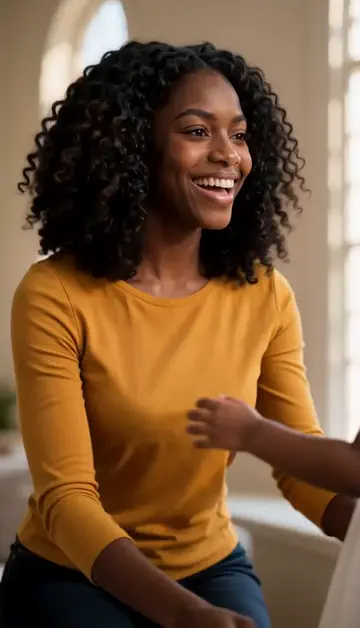
Hug your younger self
A child version of you walks in. You hug. Everyone cries.
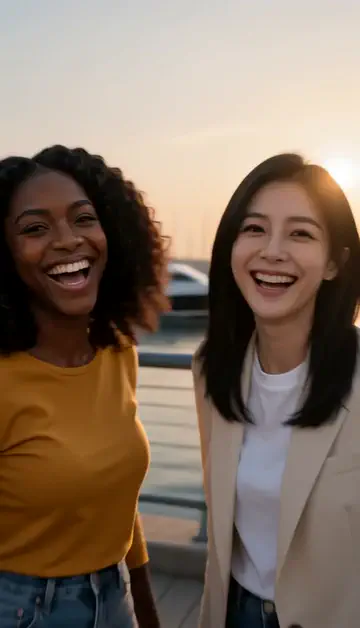
Best friends reunion
You spot each other across the marina. High five.
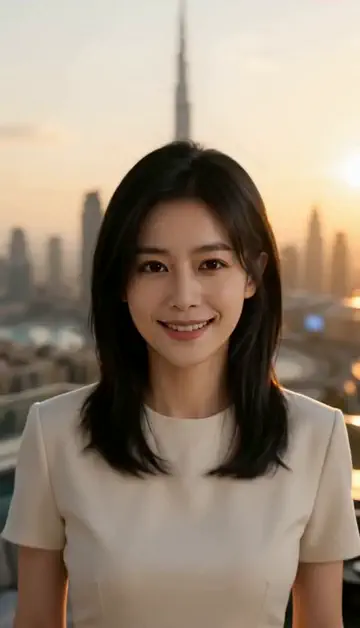
Arrive over Dubai
Rooftop at sunset, Burj Khalifa behind you, drone pulling back.
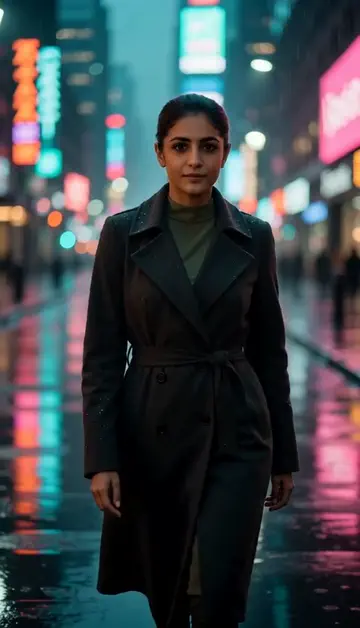
Neon night walk
Rain-soaked street, neon reflections, slow motion.
Try one of these descriptions
Slow elegant cinematic zoom into the center of the uploaded image with subtle parallax motion, soft warm color grading, premium aesthetic.
Use this description
Person's hair gently blowing in the wind, fabric of clothing flowing, eyes blinking slowly, photo coming subtly to life.
Use this description
Slow horizontal camera pan across the scene in the photo, revealing details, subtle motion in background elements, cinematic.
Use this description
Dramatic lighting change across the scene — from soft morning to dramatic golden hour, atmospheric, emotional.
Use this description
Subject in the photo gently smiles and tilts head slightly, eyes coming alive, photo-to-portrait magic, intimate moment.
Use this description
Photo magic
Any portrait, scene, or product photo becomes a moving clip
Sound on or off
Upload, describe the motion, and choose whether the clip has sound
Cinematic quality
Subtle parallax, light shifts, hair/fabric motion — looks pro
Memory revival
Bring old photos to life. Family memories, anniversaries, tributes
Common questions
Can I use any photo?
Will old / damaged photos work?
Privacy with personal photos?
Do I need an account to try it?
Can I use a photo of my face?
How long does a clip take?
Can I use my clips commercially?
No subscription. Credits never expire.