Free AI Pet Video Maker
Turn your dog or cat photos into adorable cinematic clips — perfect for pet parents and influencers.
Make a pet video — freeFirst effect freeAbout 1–2 min
Make one about you

Hug your younger self
A child version of you walks in. You hug. Everyone cries.
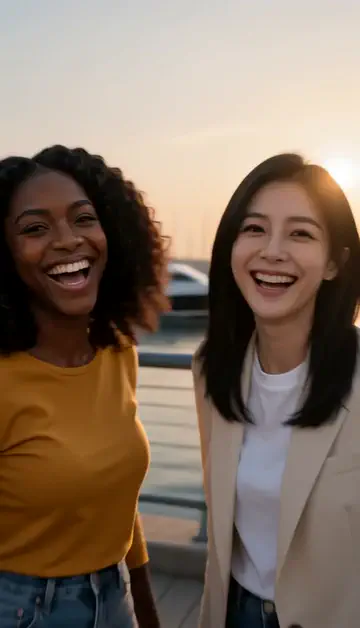
Best friends reunion
You spot each other across the marina. High five.

Arrive over Dubai
Rooftop at sunset, Burj Khalifa behind you, drone pulling back.
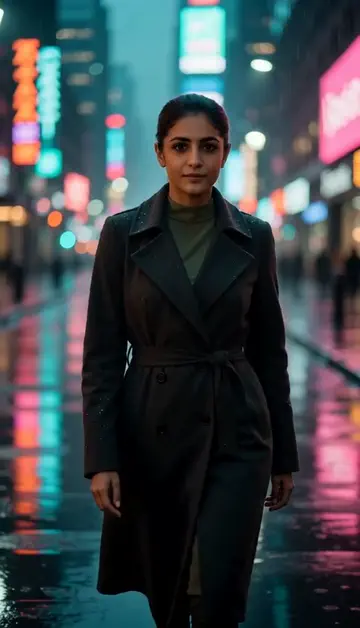
Neon night walk
Rain-soaked street, neon reflections, slow motion.
Try one of these descriptions
Adorable puppy running through a green park in slow-motion, ears flapping, tongue out, joyful expression, golden hour lighting, dynamic chase angle.
Use this description
Fluffy cat slowly stretching and yawning in a warm sunbeam on a windowsill, dust particles floating in light, cozy home atmosphere, gentle slow motion.
Use this description
Golden retriever wearing a birthday party hat in front of a small cake with one candle, tail wagging, joyful canine expression, festive room.
Use this description
Playful kitten batting at a string toy, dynamic pouncing motion, soft indoor lighting, adorable energetic close-up, slow-motion paw swipe.
Use this description
Dog running joyfully along a beach at sunset, splashing through shallow waves, fur flowing, silhouette against orange sky, freedom and happiness.
Use this description
Slow cinematic zoom into a beautifully lit pet portrait with bokeh background, regal pose, professional pet photography aesthetic, dramatic emotion.
Use this description
Pet-photo aware
Upload your pet's photo and the AI animates them, not a generic look-alike
Cute mode
Slow-mo zoomies, sunbeam stretches, head-tilts — the dopamine content that pet IG craves
Birthday & gifting
Pet birthday cards and surprise videos for fellow pet-parent friends
WhatsApp + Stories
Made vertical, ready to share to any chat or feed
Common questions
Will it look like MY pet specifically?
Can I make a "missing pet" video or tribute?
What pets work best?
Do I need an account to try it?
Can I use a photo of my face?
How long does a clip take?
Can I use my clips commercially?
No subscription. Credits never expire.