Free AI Startup Pitch & Demo Video Maker
Pitch-deck inserts, product demos, founder narratives — for YC, MENA Ventures, demo days.
Make a startup pitch reel — freeFirst effect freeAbout 1–2 min
Make one about you

Hug your younger self
A child version of you walks in. You hug. Everyone cries.

Best friends reunion
You spot each other across the marina. High five.

Arrive over Dubai
Rooftop at sunset, Burj Khalifa behind you, drone pulling back.
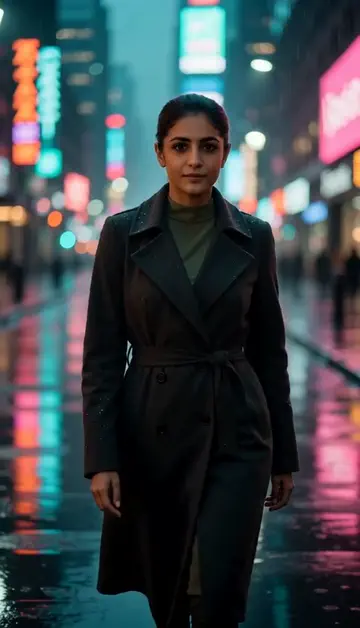
Neon night walk
Rain-soaked street, neon reflections, slow motion.
Try one of these descriptions
Person's hands interacting with a sleek mobile app on a modern phone, smooth UI animations, soft minimalist background, premium product demo aesthetic.
Use this description
Founder thoughtfully looking at multiple screens with growth charts in a sleek modern startup office, soft warm lighting, focused entrepreneur energy.
Use this description
Diverse startup team in a casual standup meeting around a whiteboard with sticky notes, modern open office, natural light, collaborative energy.
Use this description
Animated growth chart on a large screen showing exponential hockey-stick curve, dramatic upward motion, modern dashboard design, success narrative.
Use this description
Smiling customer using a product on their laptop in a sunlit home, genuine joyful expression, lifestyle testimonial aesthetic, soft natural light.
Use this description
Aerial sweep through a modern Dubai startup hub with open desks, plants, exposed brick, focused founders working, ambitious atmosphere.
Use this description
Pitch deck inserts
5-10s clips that drop into investor decks for "show, don't tell" moments
Demo day-ready
Cinematic-quality demos without booking a studio shoot
MENA + global
UAE startup ecosystem booming — local context out of the box
Founder personal brand
LinkedIn content engine without filming yourself
Common questions
Can I show my actual product UI?
Best for YC application video?
Pitch deck embed format?
Do I need an account to try it?
Can I use a photo of my face?
How long does a clip take?
Can I use my clips commercially?
No subscription. Credits never expire.