Free AI University & School Tour Video Maker
Campus tours, student life montages, and recruitment films — for universities, K-12 schools, and education brands.
Make a school tour — freeFirst effect freeAbout 1–2 min
Make one about you

Hug your younger self
A child version of you walks in. You hug. Everyone cries.

Best friends reunion
You spot each other across the marina. High five.

Arrive over Dubai
Rooftop at sunset, Burj Khalifa behind you, drone pulling back.
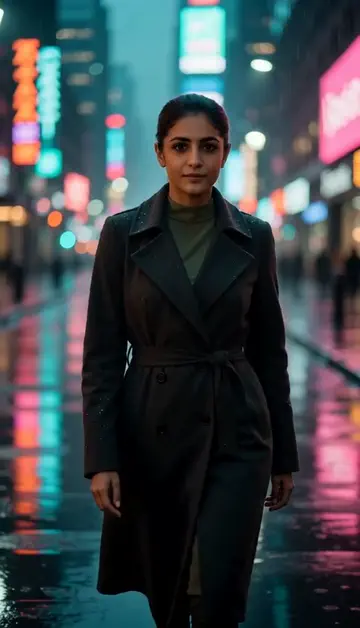
Neon night walk
Rain-soaked street, neon reflections, slow motion.
Try one of these descriptions
Aerial drone shot of a beautiful university campus in autumn — colorful trees, historic buildings, students walking paths, golden afternoon light, prestigious aesthetic.
Use this description
Smooth pan through a grand library — students focused at long wooden tables, soft lamp light, towering bookshelves, scholarly atmosphere, cinematic.
Use this description
Students in white lab coats conducting an experiment with glowing beakers, modern lab equipment, focused expressions, professional educational atmosphere.
Use this description
Slow-motion graduation cap toss with graduates in robes cheering, blue sky, dramatic celebration, achievement moment, joyful crowd.
Use this description
Engaged students participating in a modern seminar room discussion, diverse group, professor at whiteboard, soft natural light, collaborative learning vibe.
Use this description
Cozy dorm room scene — students hanging out, studying, laughing, fairy lights, plants, comfortable college life aesthetic, late afternoon warm light.
Use this description
Recruitment-grade
Virtual tours and admissions teasers that convert applications
International student appeal
Visual storytelling for global student acquisition
Reels + YouTube
Vertical for TikTok/Reels Gen-Z reach, landscape for parent-facing YouTube
K-12 + Higher Ed
Works for private schools, universities, executive education, language schools
Common questions
Can I use my actual campus photos?
Works for UAE private schools / British curriculum?
For parent-facing or student-facing campaigns?
Do I need an account to try it?
Can I use a photo of my face?
How long does a clip take?
Can I use my clips commercially?
No subscription. Credits never expire.